




Fake Android Antivirus App TrustBastion Steals Banking Credentials and Sensitive Data
 scsecFebruary 20, 20261 Mins read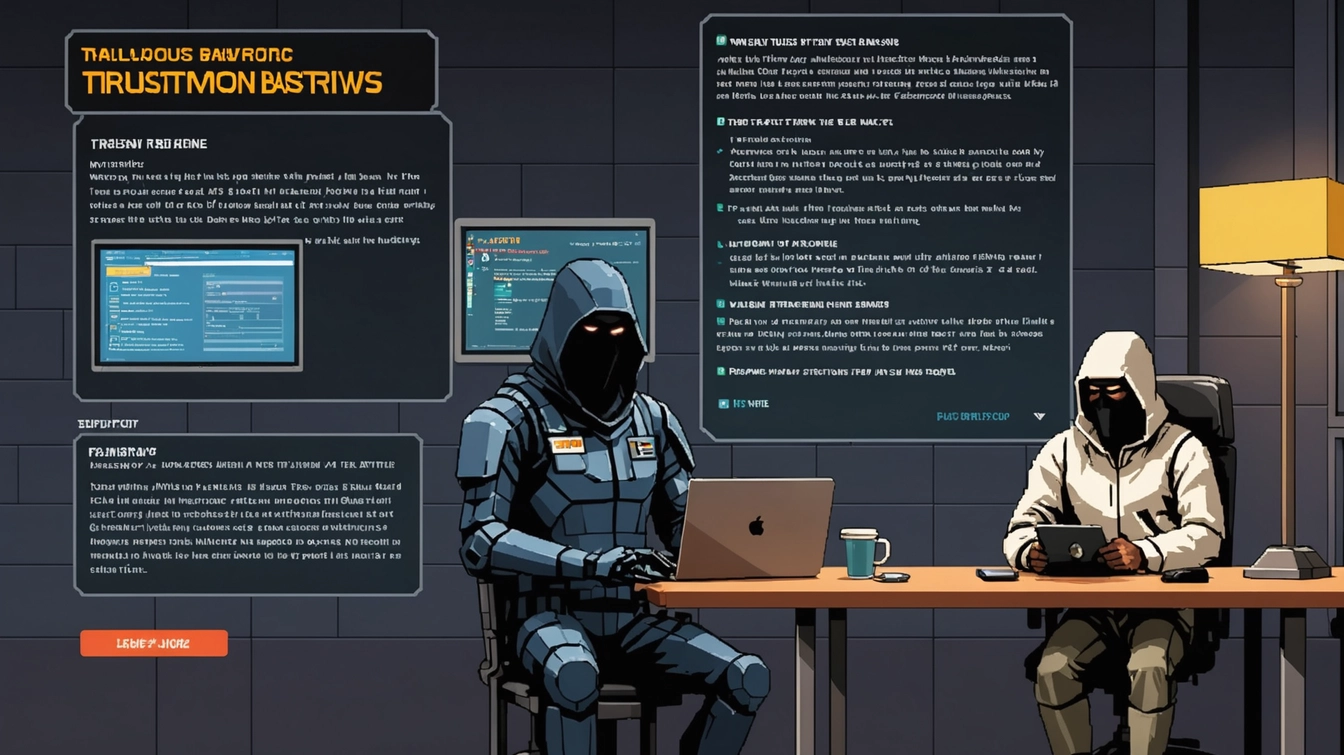
Fake Android Antivirus App TrustBastion Steals Banking Credentials
A new Android malware campaign is targeting users with a fake antivirus app called TrustBastion, which spreads spyware and steals sensitive banking information. The app poses as a legitimate security tool, but in reality, it compromises devices and harvests credentials.
How TrustBastion Works
The app claims to provide virus protection, phishing defense, and malware blocking. However, cybersecurity researchers discovered that TrustBastion was hosted on Hugging Face, a reputable AI developer platform. Attackers leveraged the platform’s open nature to distribute the malicious app, taking advantage of the trust users place in established developer hubs.
Once installed, the app displays a fake warning claiming the phone is infected and prompts users to “update” the software. This update does not fix anything; instead, it activates the malware payload.
After activation, the malware can:
- Take screenshots of the device
- Steal the lock-screen PIN
- Overlay fake banking login screens to harvest credentials
- Remotely spy on user activity
This scareware technique manipulates urgency to trick users into granting the malware the permissions it needs, making it highly effective.
Why This Threat Matters
TrustBastion is particularly dangerous because it exploits user trust in both the “antivirus” label and the hosting platform. Its overlay of convincing fake banking pages means victims may not realize their credentials have been stolen until financial damage occurs.
Android users are especially at risk because many devices may already lack critical security updates, further increasing exposure to malware and spyware.
How to Protect Yourself
Cybersecurity experts recommend the following measures:
- Stick to official app stores – Only download apps from Google Play or Samsung Galaxy Store, which scan for malicious software.
- Check app details carefully – Review developer credentials, ratings, and download counts to identify suspicious apps.
- Be cautious of urgent pop-ups – Legitimate apps rarely demand immediate updates or display scare tactics.
- Enable built-in protections – Keep Google Play Protect active to detect and block known malicious behavior.
- Maintain a skeptical mindset – Treat every app installation carefully, especially when it claims to enhance security.
Being vigilant and verifying the legitimacy of apps is the best defense against malware disguised as security tools.


1 Comment
Leave a Reply




Related Articles
Microsoft Exposes Critical Android SDK Flaw Putting 50 Million Users at Risk
Microsoft researchers have disclosed a serious Android security vulnerability in a widely...

Global Crackdown Exposes Massive Crypto Fraud Network with Over 20,000 Victims
More than 20,000 victims of cryptocurrency fraud have been identified following a...
Deleted Doesn’t Mean Gone: FBI Accesses Signal Messages Through iPhone Loophole
FBI Accesses Deleted Signal Messages via iPhone Notification Data A recent court...



Missiles and Malware: How Cyberattacks Are Redefining Modern Warfare
Cyber Warfare Escalates as Iran-Linked Hackers Target Civilians and Critical Infrastructure As...

This TrustBastion scam highlights how easily malware can hide behind seemingly legitimate apps. Users should be extremely cautious when installing security tools from unfamiliar sources, even if they appear on reputable platforms. Sticking to official app stores, enabling Google Play Protect, and verifying app legitimacy are critical steps to avoid falling victim to banking credential theft and spyware.